
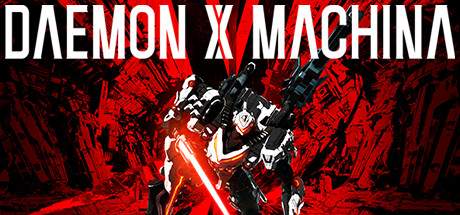
 by SKIDROWCODEX
"Welcome to your battlefield."
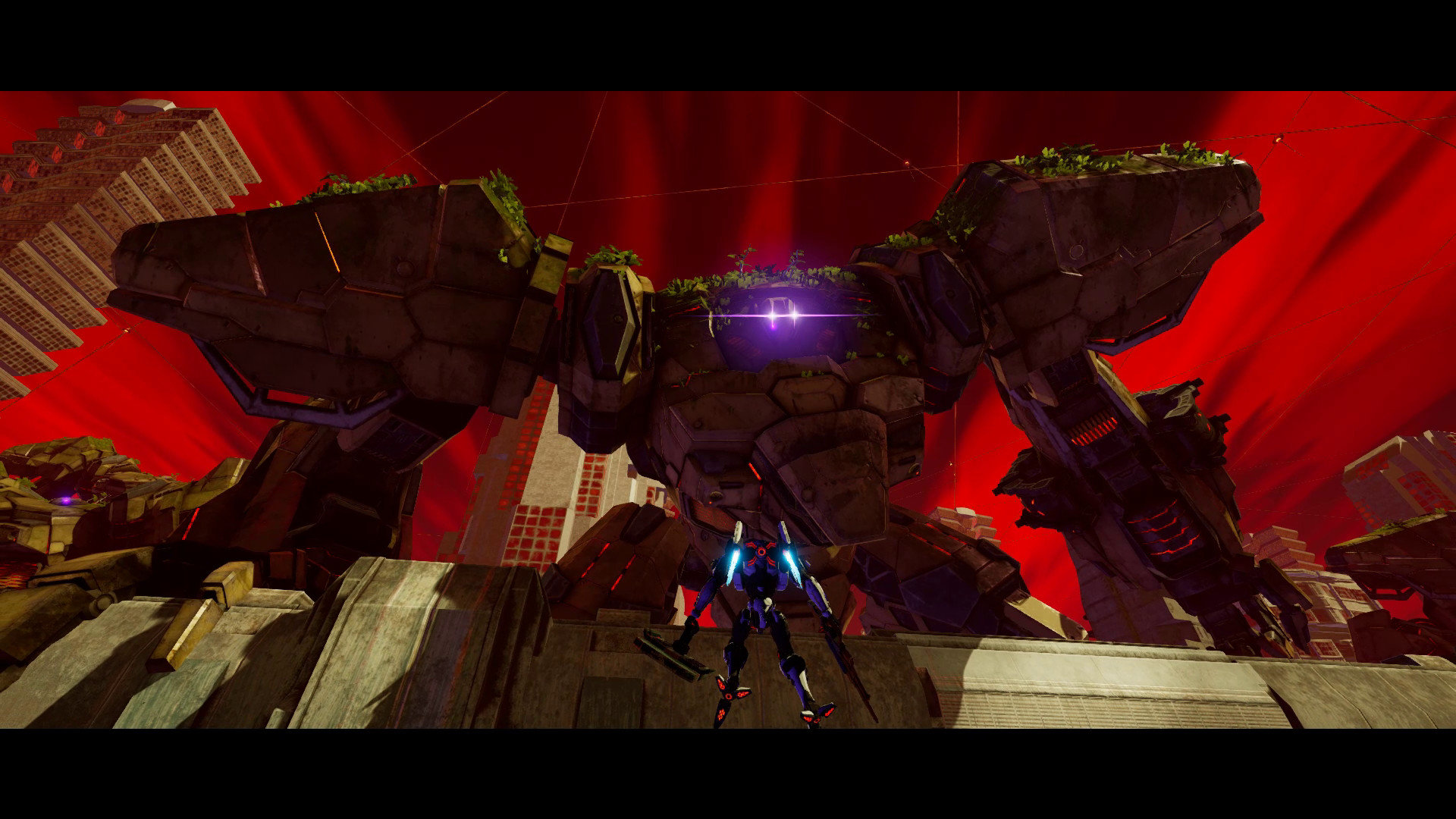
You are an Outer, a new breed of human being that appeared in the aftermath of the Moonfall calamity. As a mercenary for the Orbital organization, you are on the front line of a desperate war for humanity’s survival against the Immortals—corrupted AIs that have rebelled against their human creators. Piloting a fully customizable mech known as an Arsenal, you must team up with mercenaries like yourself and complete missions to defeat the Immortals once and for all. But be careful—in a war fought by mercenaries, today’s allies can become tomorrow’s enemies.
From the visionary minds of Kenichiro Tsukuda and trailblazing mech designer Shoji Kawamori comes a new generation of high-speed mech action combat.
GAME FEATURES
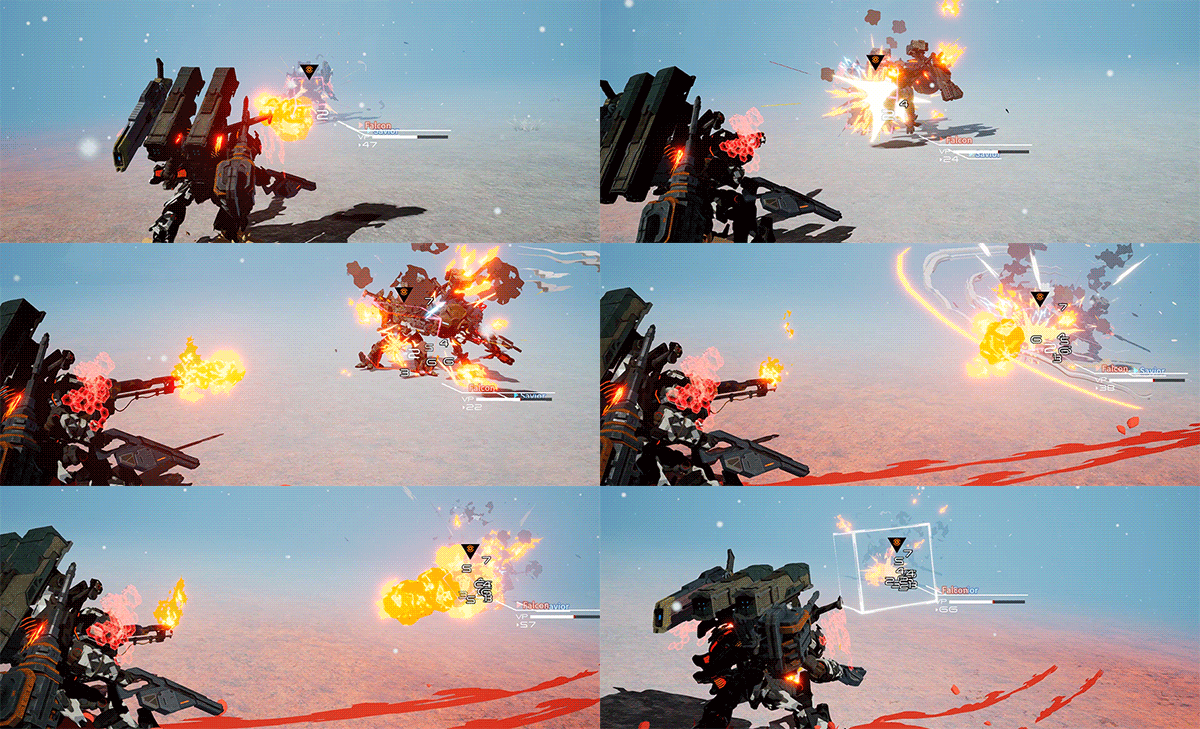
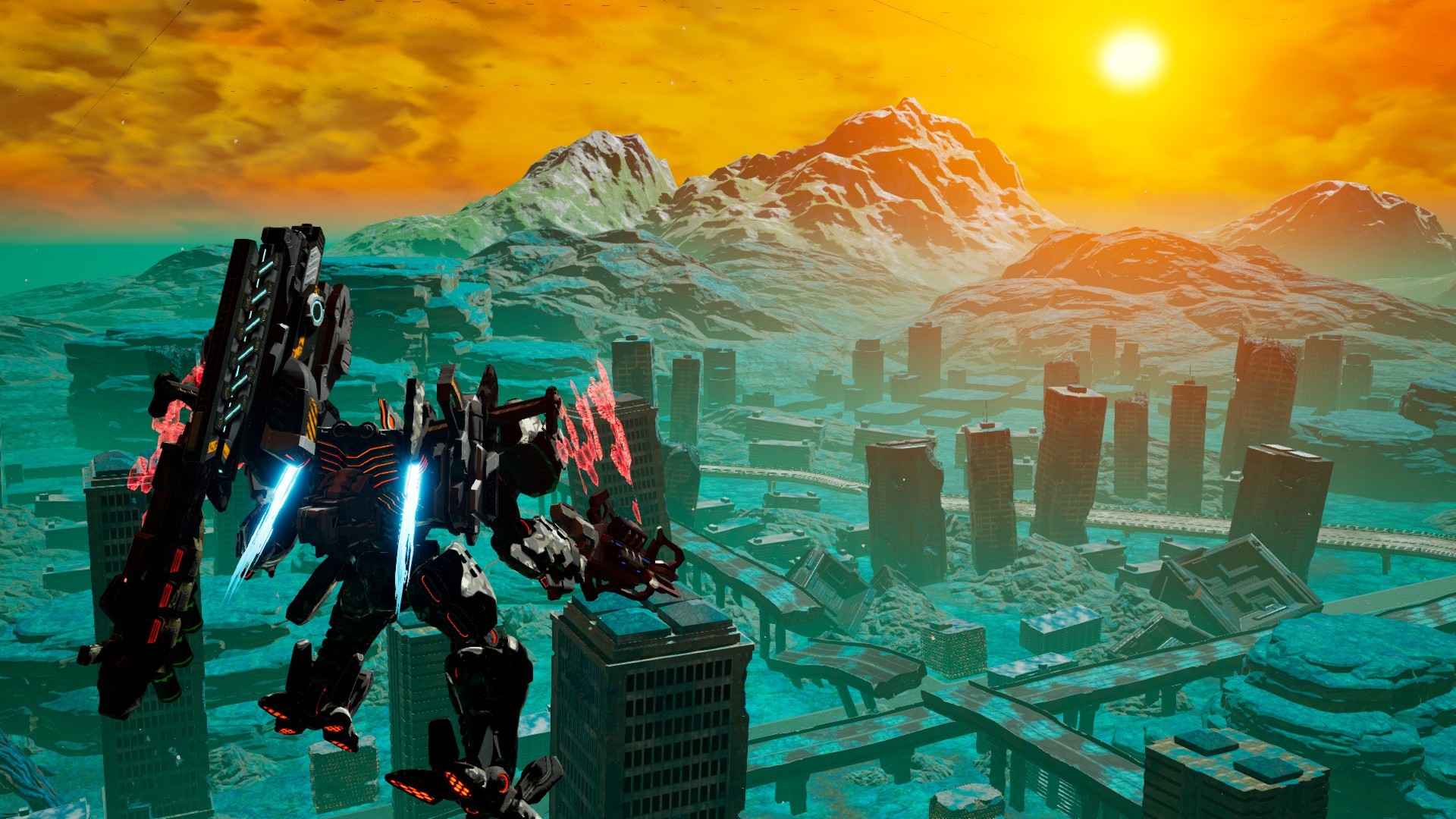
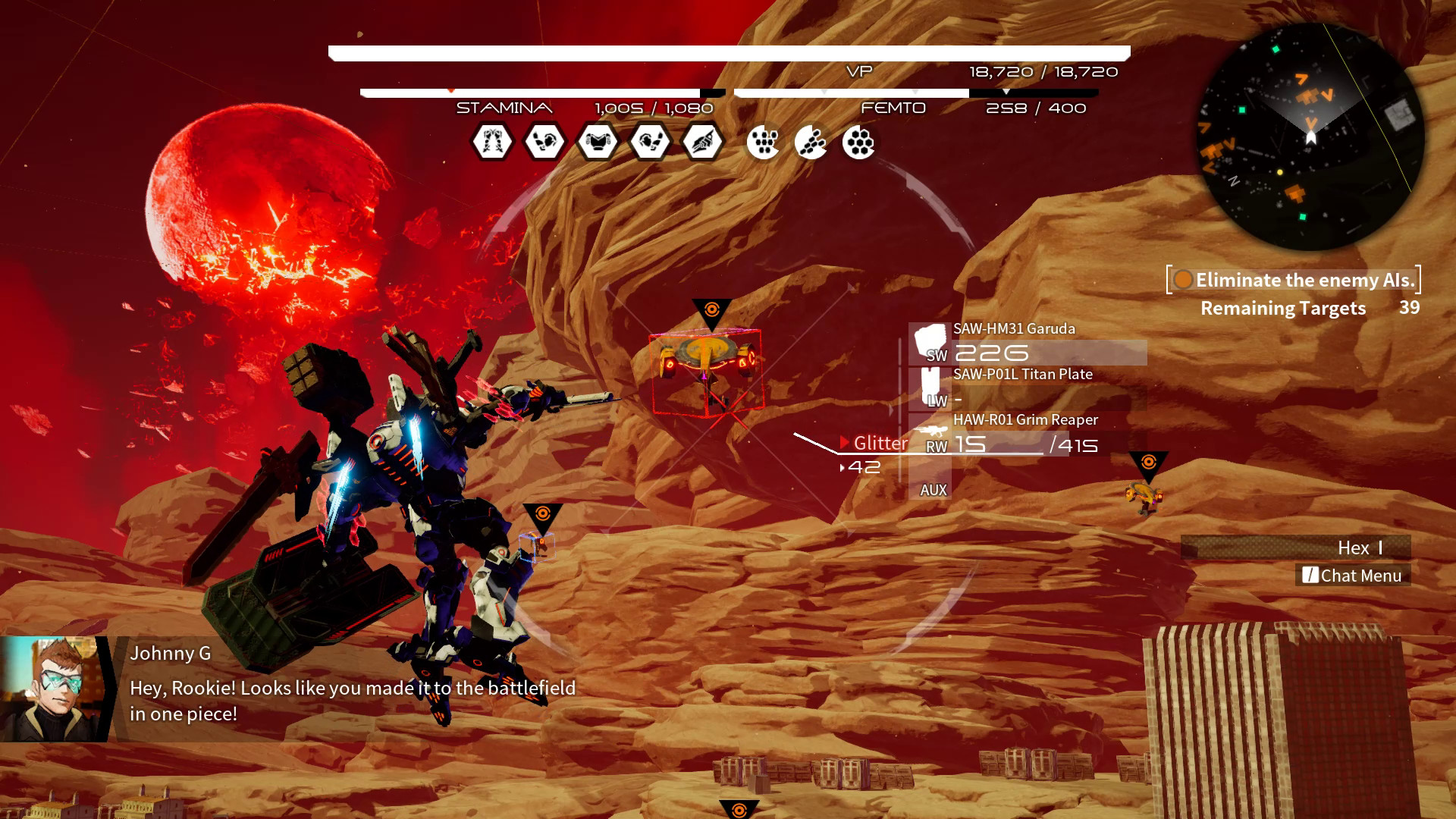
- Soar across the battlefield and engage in frenetic, high-stakes mech combat against corrupted machines and gargantuan Colossal Immortals.
- Fully customize your Arsenal mech with a variety of weapons and parts to your exact specifications.
- Salvage defeated enemies for parts and weapons, which you can use on the fly on the battlefield.
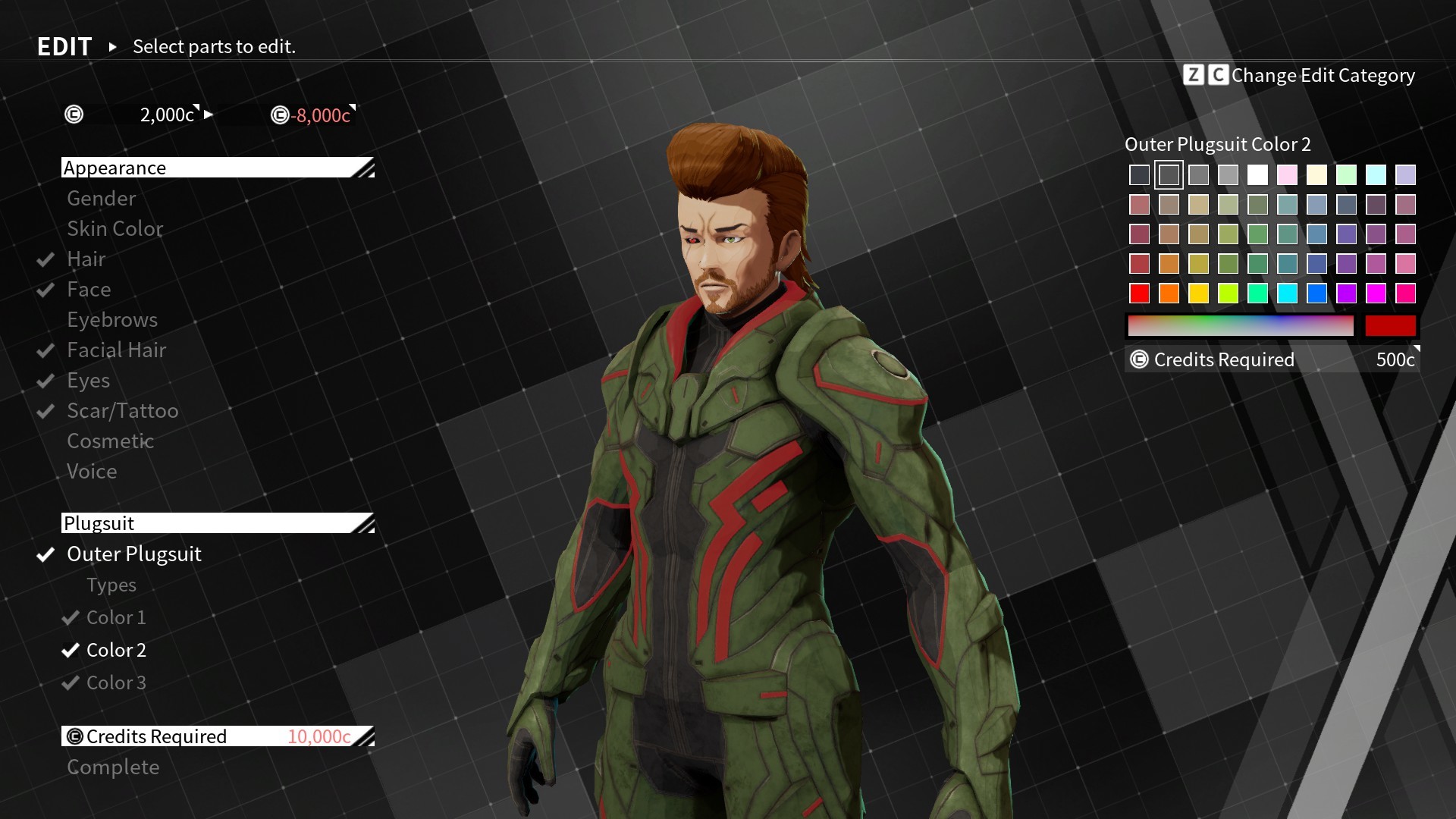
- Customize your player avatar with a variety of cosmetic options. Go under the knife and receive extensive body modifications to learn new skills at the cost of your human appearance.
- Team up with players in online Co-op Mode to destroy bosses, or take on Exploration Missions together to map Immortal bases and unlock powerful gear.
- Battle other players in 1 vs. 1 or 2 vs. 2 Versus Mode and climb the leaderboard rankings to become the top mercenary.
 Game Title: DAEMON X MACHINA
 Store Page: https://store.steampowered.com/app/1167450/
 Metacritic: https://www.metacritic.com/game/pc/daemon-x-machina
  Genre:
 Developer: Marvelous Inc.
 Publisher: XSEED Games, Marvelous USA, Inc., Marvelous
 User Rating: 5,705 1,026 Very Positive
  Release Date: 13 Feb, 2020
DAEMON X MACHINA v1.0.6-Goldberg
SIZE: 11.4 GB
5 GB LINKS
1cloudfile.com
1fichier.com
gofile.io
megaup.net
rapidgator.net
uptobox.com
userscloud.com
onedrive.live.com
pixeldrain.com
All links are interchangeable. If you cant see the links press CTRL+F5
UPDATE LIST:
- Not found
BASE GAME:
- Not found
- Requires a 64-bit processor and operating system
- OS: Windows 8.1/10
- Processor: Intel i5-3470 / AMD FX-8300
- Memory: 6 GB RAM
- Graphics: NVIDIA Geforce GTX 660 / Radeon HD7870
- DirectX: Version 11
- Storage: 13 GB available space
Recommended:
- Requires a 64-bit processor and operating system
- OS: Windows 8.1/10
- Processor: Intel i7-6700 / AMD Ryzen 5 2600
- Memory: 8 GB RAM
- Graphics: NVIDIA Geforce GTX 1060 / Radeon RX580
- DirectX: Version 11
- Storage: 13 GB available space
Languages:English*, French, Italian, German, Spanish – Spain, Japanese*, Simplified Chinese, Traditional Chinese
*languages with full audio support
Extract. Copy crack. Play.


Como cambiar los subtitulos
@Rylan , yo bhice lo siguiente:
1) Ubicar el archivo “steam_emu”, para mi estaba en “DAEMON X MACHINA Deluxe Edition\Engine\Binaries\ThirdParty\Steamworks\Steamv139\Win64”
2) Abrir el documento “steam_emu”, yo lo hice con el “block de notas”
3) Buscar y cambiar la linea “Language=english” por “Language=spanish”
4) Guardar los cambios en el documento y listo.
@Rylan
1) Ubicar el archivo “steam_emu”, para mi estaba en “DAEMON X MACHINA Deluxe Edition\Engine\Binaries\ThirdParty\Steamworks\Steamv139\Win64”
2) Abrir el documento “steam_emu”, yo lo hice con el “block de notas”
3) Buscar y cambiar la linea “Language=english” por “Language=spanish”
4) Guardar los cambios en el documento y listo.